Sitecore control panel contains wide variety of functionality which has not been highlighted very well. In this post I will describe all the features that Sitecore Control Panel has provided.
Official documentation
Every Sitecore developer knows about SDN (Sitecore Developer Network). There are lots of materials could be found. So, I visited SDN and searched any info for Control Panel. I have got the following article:
http://sdn.sitecore.net/Reference/Archive/SC53%20End%20User/Control%20Panel.aspx
In this document functionality has been described very well. Unfortunately, all screens were from Siteocre 5.3. Also, a few options have been removed and some of them have been updated. So, the new screenshots are provided below. Let’s observe them!
Sitecore Control Panel
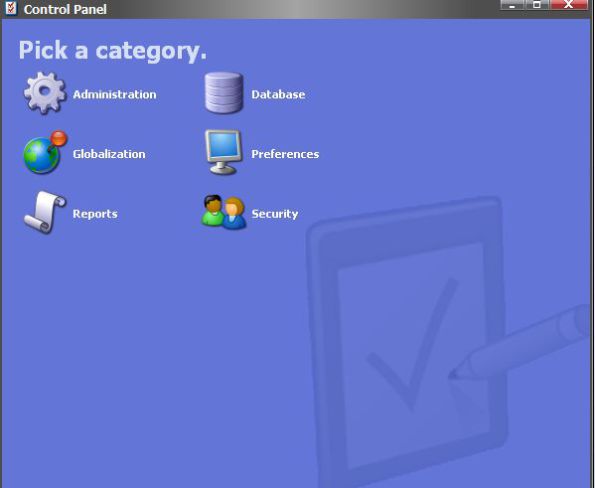
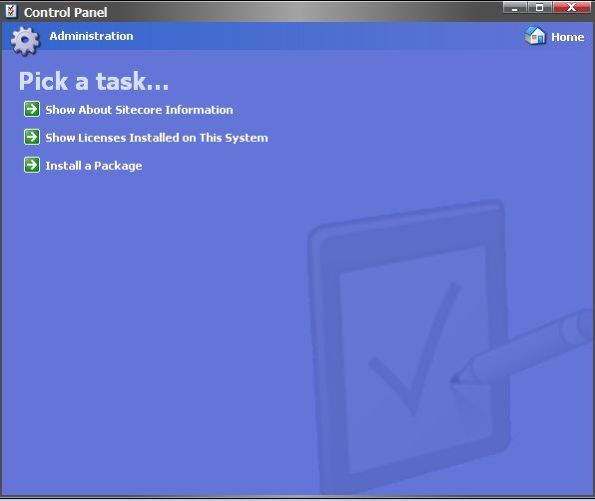
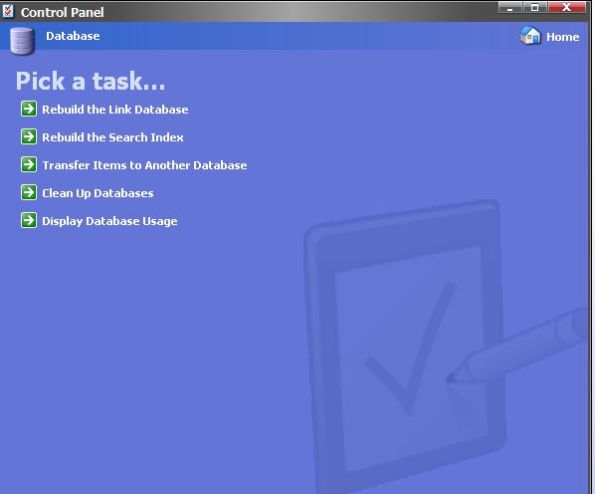
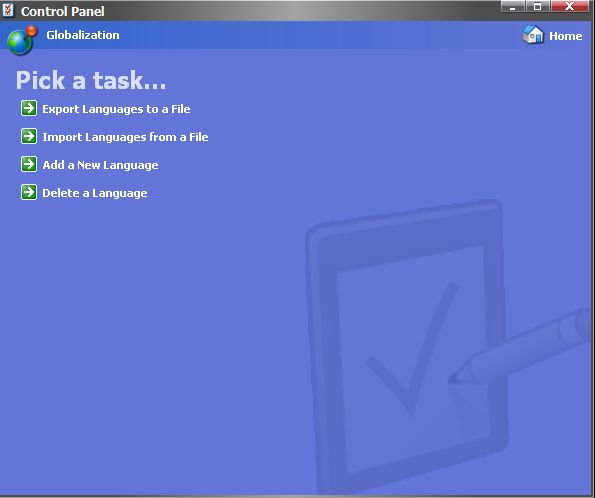
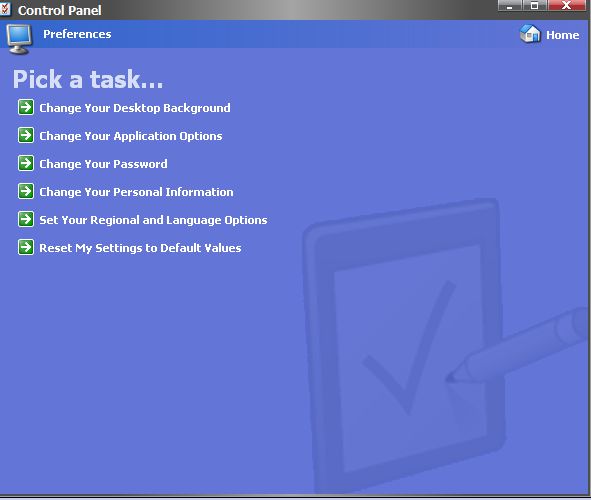
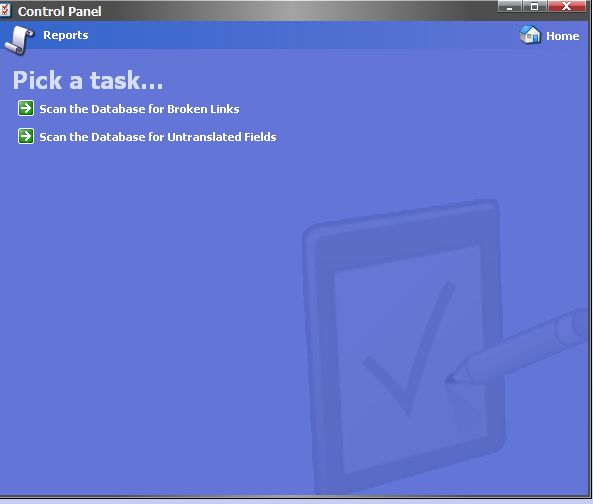

If you would like to know about each option, the SDN link is very helpful. OR why don’t give a try on your local environment and see what it does?
My favorite options from Sitecore Control panel are as below:
- Change Your Desktop Background
Changes background of your Sitecore desktop. It’s very useful option in case you’re working with different environments – each environment can have different Desktop Background image. It can save you from unwanted actions! - Clean Up Databases
Detailed description could be found by the following link
https://sdn.sitecore.net/Reference/Archive/SC53%20End%20User/Control%20Panel/Database/Clean%20Up%20Databases.aspx - Rebuild Link Database
Sitecore maintains a list of links used on the site. These links are stored in the ‘Links’ table. If you’re working within the team – from time to time some weak/missed links could have a place; the only way to solve it – run Rebuild link database.
https://sdn.sitecore.net/Articles/Administration/Links%20Database.aspx - Install a Package
https://sdn.sitecore.net/articles/administration/installing%20modules%20and%20packages.aspx
Enjoy!
 Andrey Vinda